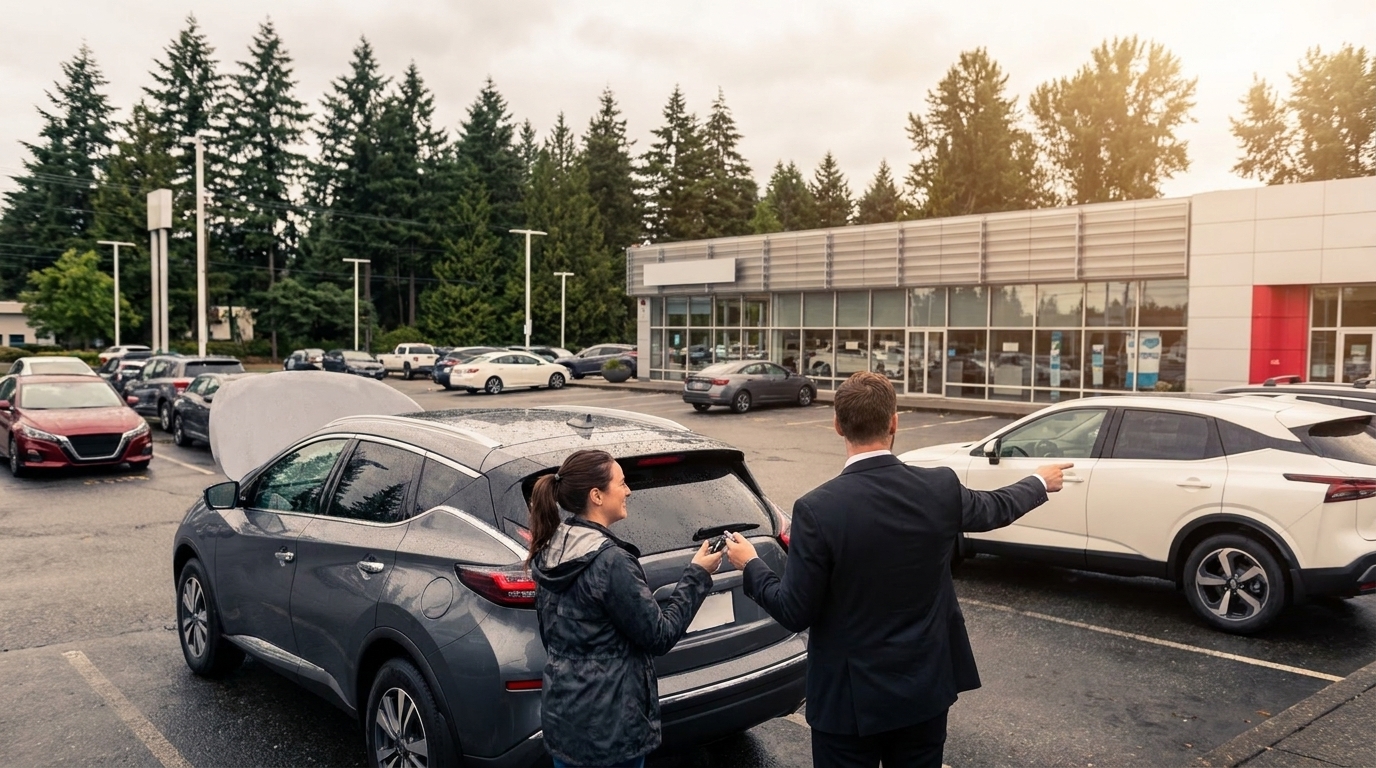
How to Schedule a Nissan Service Appointment Online
A step-by-step guide to booking Nissan service online from Woodinville, WA — what to prepare, how to choose services, and what to expect at the service lane.

For Nissan owners in Woodinville, WA, scheduling routine maintenance shouldn't require a phone tree or a lunch-break detour. Online service booking has become the default for most franchise dealers, and when it's done right, it takes about three minutes from start to confirmation. The challenge is knowing which fields actually matter, what to have on hand before starting, and how to time the visit so it fits around I-405 traffic and the realities of a Pacific Northwest commute.
This guide walks through the process of booking a Nissan service appointment online — what to prepare, how to choose the right services, and how to make sure the appointment matches what the vehicle actually needs.
Why Online Service Booking Has Replaced the Phone Call
The shift toward Nissan online service booking is largely a function of accuracy. When a service advisor takes a request over the phone, details get transcribed, misheard, or rushed. An online form forces the customer to specify the VIN, mileage, and requested services up front, which means the technician has a clearer picture before the vehicle even arrives.
For Woodinville drivers, that accuracy matters more than it might in a milder climate. The Eastside's wet winters, the salt spray carried in from coastal storms, and the temperature swings between the Sammamish Valley floor and the higher elevations near Hollywood Hill all stress brake systems, wiper components, and tire tread differently than the national average. Booking online with the right service codes attached helps a dealer prepare the correct parts in advance rather than discovering a need mid-visit.
What to Have Ready Before Booking
Before opening the scheduling tool, Nissan owners should gather a short list of information. Having these details ready turns a five-minute booking into a two-minute one.
- Vehicle Identification Number (VIN): Found on the driver-side dashboard or inside the driver's door jamb. The VIN pulls up the exact model, trim, and factory service schedule.
- Current mileage: Approximate is fine, but accurate mileage determines which interval services apply.
- License plate number: Some scheduling tools use this as a secondary lookup.
- Service history: Knowing when the last oil change, tire rotation, or brake inspection happened prevents duplicate work.
- A description of any symptoms: Noises, warning lights, pulling, vibration — specifics matter more than general concern.
Step-by-Step: How to Schedule a Nissan Service Appointment Online
The booking flow at most Nissan dealers, including Nissan of Everett, follows a similar sequence. The steps below reflect the standard path from landing page to confirmation.
Step 1: Navigate to the Dealer's Service Scheduling Page
From the dealer's homepage, the scheduling link is typically labeled "Schedule Service" or "Service Appointment" in the top navigation. Woodinville-area drivers searching for "nissan service appointment near me" will generally find the Everett location's scheduler at the top of results, given the short drive up I-405 to SR-526.
Step 2: Identify the Vehicle
The scheduler will ask for either a VIN or a year/make/model selection. Entering the VIN is faster and more accurate because it auto-populates the trim and engine type, which determine the correct oil specification and filter part numbers.
Step 3: Select Services
This is the step where most online bookings go sideways. The menu typically separates services into categories: maintenance (oil change, tire rotation, multi-point inspection), wear items (brakes, wipers, battery), diagnostics (warning lights, noises), and recalls. Customers should select every applicable category rather than relying on the advisor to catch additional needs at check-in.
For vehicles on Nissan's standard maintenance schedule, the system will often flag interval services automatically — the 30,000-mile or 60,000-mile service, for example — based on mileage entered.
Step 4: Choose Date, Time, and Transportation Option
The scheduler displays available appointment slots, typically in 15- or 30-minute increments. Most Nissan dealers also offer options like waiting on-site, a loaner vehicle, a shuttle, or early-bird drop-off. Nissan of Everett also offers a Service @ Home program with contactless pick-up and drop-off, so Woodinville commuters who can't easily get to the dealership can skip the waiting room entirely. For those coming in, the first appointment of the day at 7:30 AM is a popular choice to get back on the road before I-405 southbound congestion peaks.
Step 5: Confirm Contact Information and Submit
The final screen requests phone, email, and preferred contact method. Email confirmations arrive immediately; text reminders typically go out the day before. Customers should review the confirmation for accuracy on services requested before closing the tab.
Timing the Appointment Around Woodinville's Service Patterns
For drivers looking to schedule Nissan maintenance in Woodinville, timing matters as much as the booking itself. Service bays fill quickly in two predictable windows: the weeks leading into the rainy season in October and November, when drivers think about wipers, tires, and brakes; and the spring thaw in March and April, when winter wear becomes visible.
Booking three to four weeks ahead of these windows generally secures a preferred time slot. Mid-week mornings — Tuesday through Thursday — tend to have the shortest wait times. Monday mornings and Saturday afternoons are the busiest.
What Happens After the Online Booking
A confirmed appointment triggers a behind-the-scenes workflow at the dealership. The service team reviews the requested work, checks parts availability, and flags any open recalls or technical service bulletins tied to the VIN. If a part needs to be ordered, the advisor will typically call or email before the appointment date to confirm timing.
On arrival, the check-in process is faster because the vehicle's information and requested services are already in the system. Customers who book online generally bypass the longer intake conversation and head straight to the waiting area or shuttle.
Frequently Asked Questions
Can any Nissan dealer service a vehicle purchased elsewhere?
Yes. Nissan's factory warranty and most service contracts are honored at any authorized Nissan dealer in the United States, regardless of where the vehicle was originally purchased. Woodinville owners who bought their Nissan out of state or online can still schedule warranty and maintenance work at a local dealer.
Does online booking cost more than calling?
No. Pricing is identical whether the appointment is booked online, by phone, or in person. Some dealers offer online-only service coupons, but the base labor and parts pricing don't change based on booking method.
What if the vehicle needs service not listed in the online menu?
The scheduling tool includes a free-text field for additional concerns. Describing the symptom in plain language — "grinding noise when braking at low speed," for example — gives the technician enough to plan a diagnostic.
How far in advance should an appointment be booked?
For routine maintenance, three to seven days ahead is generally sufficient. For larger services like timing chain inspections, transmission service, or anything requiring a loaner, two to three weeks is more realistic.
Can Nissan of Everett pick up and return my vehicle so I don't have to drive to the dealership?
Yes. Nissan of Everett offers a Service @ Home program with contactless pick-up and drop-off, which means a service representative collects the vehicle from your location, the work is completed at the dealership, and the vehicle is returned — no waiting room required. This is a practical option for Woodinville commuters who can't easily work a dealership visit into their schedule. Contact Nissan of Everett at nissanofeverett.com to learn more.
Does Nissan of Everett service vehicles other than Nissans?
Yes. Nissan of Everett's service department services all makes and models of vehicles, not just Nissans. Woodinville-area drivers with other brands can use the same online booking process and expect the same multi-point inspection and service workflow. Contact Nissan of Everett to confirm availability for your specific vehicle and service needs.
A Practical Next Step
Nissan owners in Woodinville who want to book Nissan service online can do so directly through Nissan of Everett at https://www.nissanofeverett.com. The dealership holds a 4.4-star rating across more than 1,071 Google reviews as of April 2026, with customers consistently praising exceptional service staff and professional, respectful treatment. For drivers who'd rather skip the phone call and lock in a time slot that fits their commute, the online scheduler is the most direct path to the service lane.
"