How NissanConnect Works — and What It Does for Your Drive
A clear explainer on how NissanConnect works, what its connected services do, and how Bellevue drivers get the most from Nissan's infotainment system.
For drivers in Bellevue who commute across the I-90 and 520 bridges or navigate the stop-and-go along Bellevue Way, the questions about NissanConnect tend to be practical ones: What does it actually do? What comes free, what costs extra, and how does it change the daily drive? NissanConnect is Nissan's umbrella term for the infotainment system built into the dashboard and the connected services that link the vehicle to a smartphone app and to Nissan's back-end systems. Understood as one integrated platform, it is less a feature list and more the digital nervous system of a modern Nissan.
This explainer breaks down how NissanConnect works in 2026, what each layer of the system delivers, and how Bellevue-area owners typically use it — from remote start on a rainy February morning in Bridle Trails to real-time traffic routing around Overlake at rush hour.
What NissanConnect Actually Is
NissanConnect refers to three overlapping layers of technology working together. The first is the in-vehicle infotainment system — the touchscreen display, native navigation, audio controls, Apple CarPlay and Android Auto integration, and voice recognition. The second is the embedded telematics module, a cellular connection built into the vehicle that allows it to send and receive data independently of a phone. The third is the NissanConnect Services app, which owners install on iOS or Android to talk to their car remotely.
These layers talk to each other constantly. When a driver presses the remote start button in the app from a Bellevue office park, the command travels over the cellular network to the telematics module, which then triggers the vehicle. When the infotainment system pulls in live traffic data for a route toward Seattle, that data flows through the same connection. Understanding this three-layer structure is the fastest way to make sense of what any given NissanConnect feature is doing under the hood.
The Infotainment System: What Happens on the Dashboard
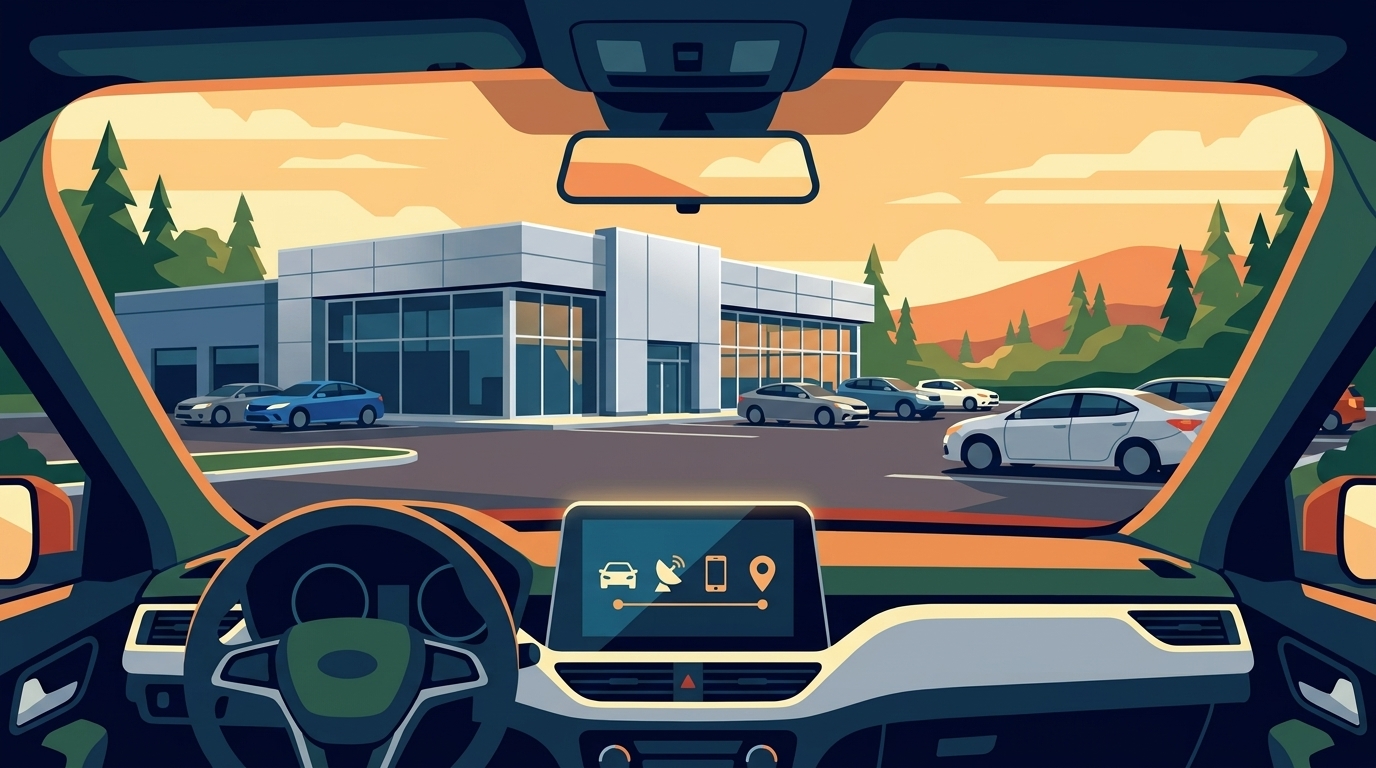
The Nissan infotainment system anchors the in-cabin experience. Depending on the model and trim, screen sizes and standard features vary, and many 2026 Nissan vehicles include Apple CarPlay and Android Auto integration. That matters in a market like Bellevue, where drivers routinely switch between navigation apps, streaming music, and hands-free calls during a single commute.
Native features include Nissan's own navigation with lane-level guidance, SiriusXM integration, Bluetooth audio, and voice commands for climate, phone, and media. Higher trims may add additional convenience and audio features depending on the model. The system also handles the increasingly rich driver-assistance interface — showing what the ProPILOT Assist cameras and radar are seeing, and letting the driver adjust following distance and lane-keeping sensitivity from the screen.
Connected Services: What the Car Does When You're Not In It
The connected-services layer is where NissanConnect starts to feel less like an infotainment upgrade and more like a genuinely useful tool. Through the NissanConnect Services app, owners can:
- Lock and unlock the doors from anywhere with cellular coverage
- Locate the vehicle in a crowded lot, such as Bellevue Square or the park-and-ride at South Bellevue Station
- Check fuel level, tire pressure, odometer, and maintenance alerts
- Set curfew, speed, and geofence boundaries for teen or valet drivers
- Receive automatic collision notification and connect to emergency services
- Send destinations from the phone directly to the in-car navigation
Certain safety and security features — automatic collision notification, emergency call, and stolen vehicle locator — are typically included for a trial period at no additional charge, then continue under a paid subscription. Convenience features like remote start and app-based commands generally require an active service plan after the initial trial. Because subscription tiers and trial lengths change with model year and package, Bellevue buyers should confirm current terms with the dealership at the time of purchase rather than relying on older summaries.
How NissanConnect Handles Bellevue-Specific Driving
Bellevue's driving environment puts real demands on an infotainment system. The Cascades funnel weather into the Eastside that can shift from clear to heavy rain within an hour, and the city's dense corridor of tech campuses in Spring District and Overlake generates predictable congestion between 4 and 7 p.m. NissanConnect's live traffic overlay pulls current conditions and can reroute around slowdowns on 405 or 520.
For drivers who park at the Bellevue Transit Center or leave a vehicle overnight at Sea-Tac, the vehicle-finder and remote-lock features address a specific pain point — the uncertainty of not remembering whether the doors were locked when catching a flight. Owners in older neighborhoods like Enatai or Beaux Arts Village, where street parking is common, find the geofence and location alerts especially useful for teen drivers.
Over-the-Air Updates and What Keeps NissanConnect Current
Some NissanConnect systems may support software updates that help keep the system current over time. Instead of visiting a dealer for a map refresh, updates arrive through the cellular connection, usually installed when the vehicle is parked and off. This matters more than it sounds — it means key system components can stay current across the ownership period without requiring additional dealer visits.
Setting Up NissanConnect: The Practical Steps
New Nissan owners in Bellevue typically go through the following setup at delivery:
- Create a NissanConnect owner account online or in the app using the vehicle's VIN
- Accept the connected-services terms and confirm the trial subscriptions
- Pair a primary smartphone via Bluetooth and set up wireless CarPlay or Android Auto
- Enroll in optional features — teen driver, valet mode, boundary alerts
- Confirm that automatic collision notification is active before leaving the lot
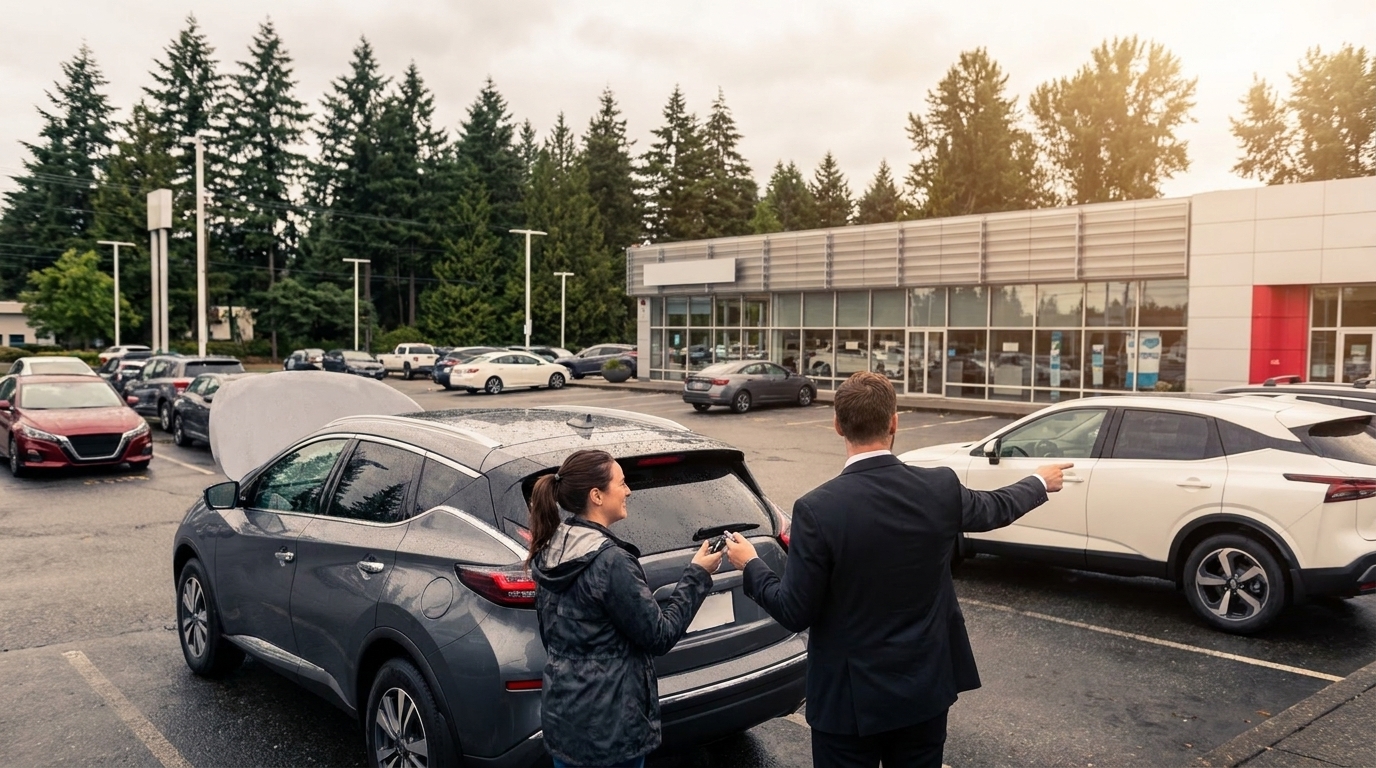
The team at Nissan of Everett walks buyers through this process at delivery rather than leaving it as homework, which is one reason customers consistently highlight the sales staff's attention to detail. One customer wrote that it was "the best car shopping and buying experience I could ask for," reflecting the kind of thorough hand-off that ensures the technology actually gets used from day one. Nissan of Everett has earned a 4.4-star rating from 1,071 Google reviews as of April 2026, with reviewers consistently praising professional and respectful treatment throughout the buying process.
Frequently Asked Questions
Does NissanConnect require a subscription?
Some features are complimentary for a trial period included with a new vehicle purchase; others require an ongoing subscription. Safety services and convenience services are usually billed as separate plans. The current terms are confirmed at purchase.
Does NissanConnect work without a smartphone?
Yes. The infotainment system and the embedded telematics operate independently of a phone. A smartphone is required only to use the NissanConnect Services app for remote commands.
Will NissanConnect work if I move or travel outside Washington?
Yes, within the coverage area of Nissan's cellular provider across the United States. Features that rely on live data continue to work anywhere the carrier has service.
Can NissanConnect be added to an older Nissan?
The embedded telematics module must be present from the factory, so full connected services generally cannot be retrofitted. Some infotainment features may be available through accessory upgrades depending on the model year.
How do over-the-air updates affect my NissanConnect subscription?
Software updates may apply to select system components on supported models; confirm applicable terms with Nissan of Everett for your specific vehicle. They do not automatically extend or modify your connected-services subscription. Subscription terms govern which features remain active; updates simply keep the underlying system current. Contact Nissan of Everett to confirm which updates apply to your specific model and trim.
What happens to NissanConnect features if my subscription lapses?
If a connected-services subscription lapses, remote app features such as remote start, door lock, and vehicle locator typically become unavailable until the plan is renewed. The in-vehicle infotainment system — including wireless CarPlay, Android Auto, and Bluetooth — continues to function independently, as those features do not rely on an active subscription. Nissan of Everett can clarify which features remain active on your specific plan.
Getting the Most From the System
NissanConnect rewards owners who take the first hour to configure it properly — pairing phones, enrolling in the app, setting notification preferences, and understanding which features live in the car versus the app. Bellevue drivers who want a walk-through of the system on a specific model, or who want to understand how the 2026 subscription structure applies to a vehicle they're considering, can contact Nissan of Everett at (425) 347-5763 for a hands-on demonstration and answers tailored to their driving patterns on the Eastside.
"